Strip It
Strip clutter from any web page. Read it — or print it — clean.
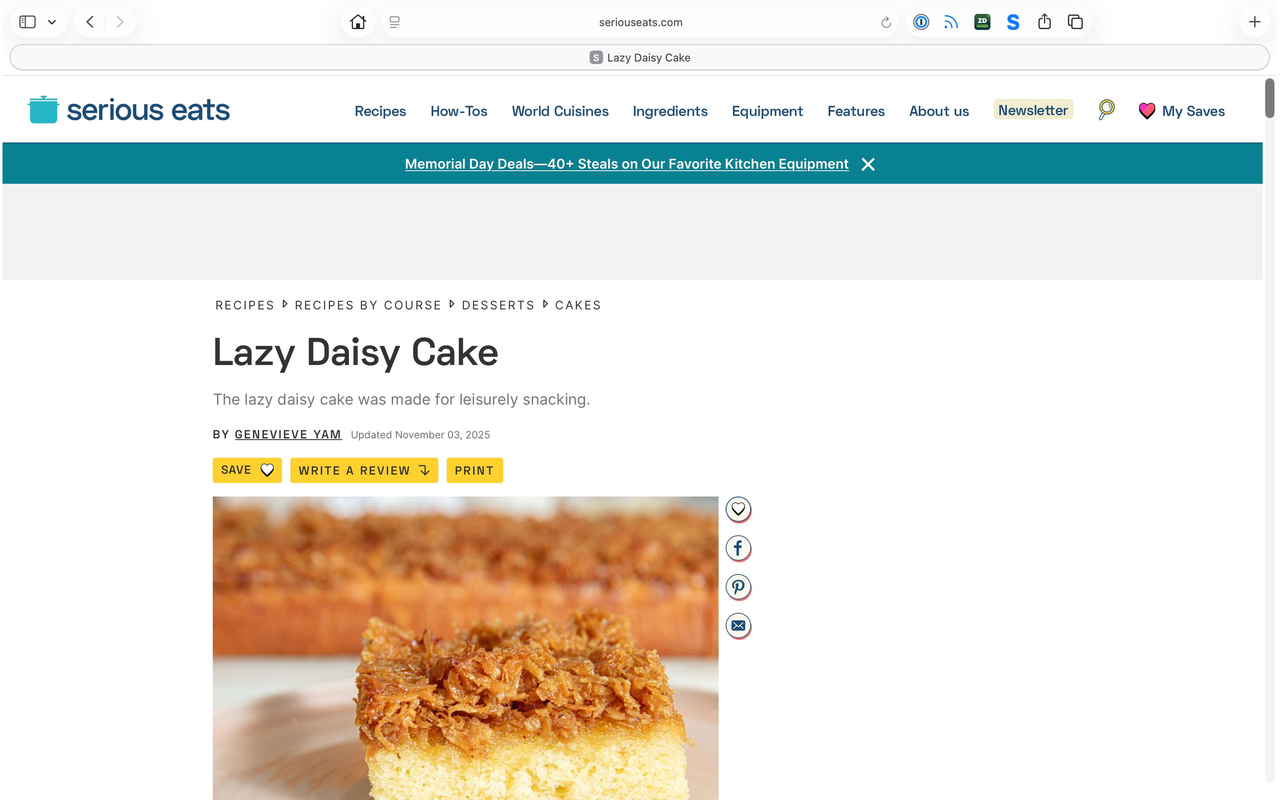
Most web pages are 90% noise.
Pop-ups, banner ads, sidebar widgets, autoplay videos, “related stories,” cookie boxes, newsletter nags, menus stacked on menus.
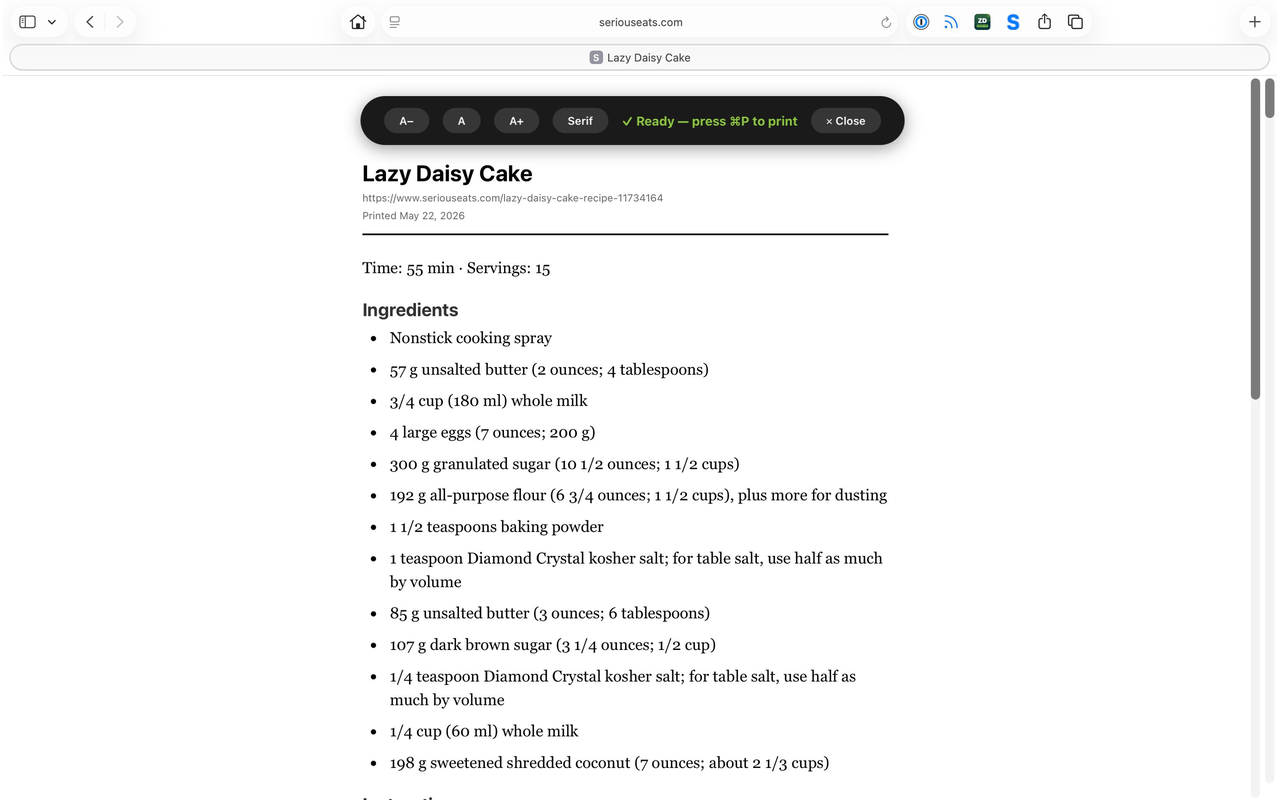
Strip It removes all of it with one click. What’s left is the thing you came for — the article, the recipe, the profile — formatted for clean reading and beautiful printing.
What’s inside
Print-ready output
Pages get reformatted with proper typography and margins — perfect for ⌘P or save-as-PDF.
One-click stripping
Click the icon in Safari’s toolbar. That’s it. No setup, nothing to configure.
LinkedIn-aware
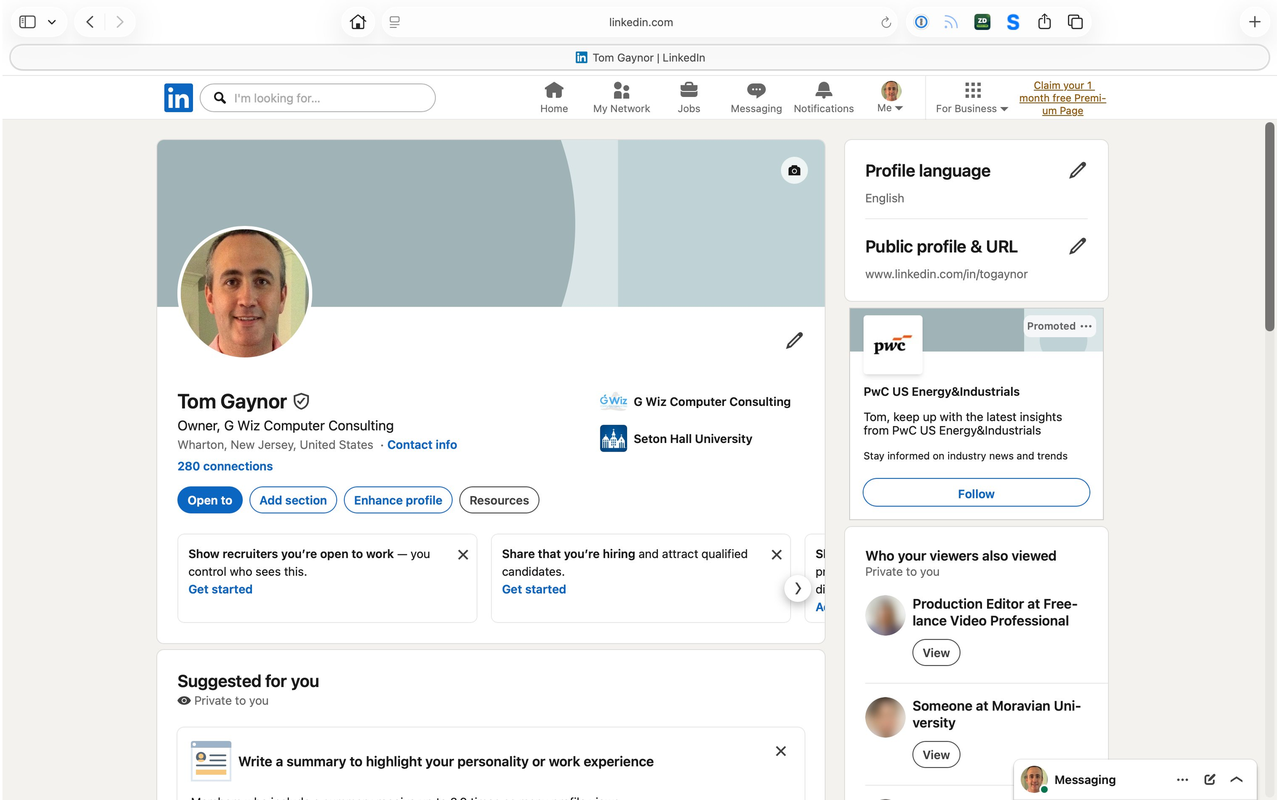
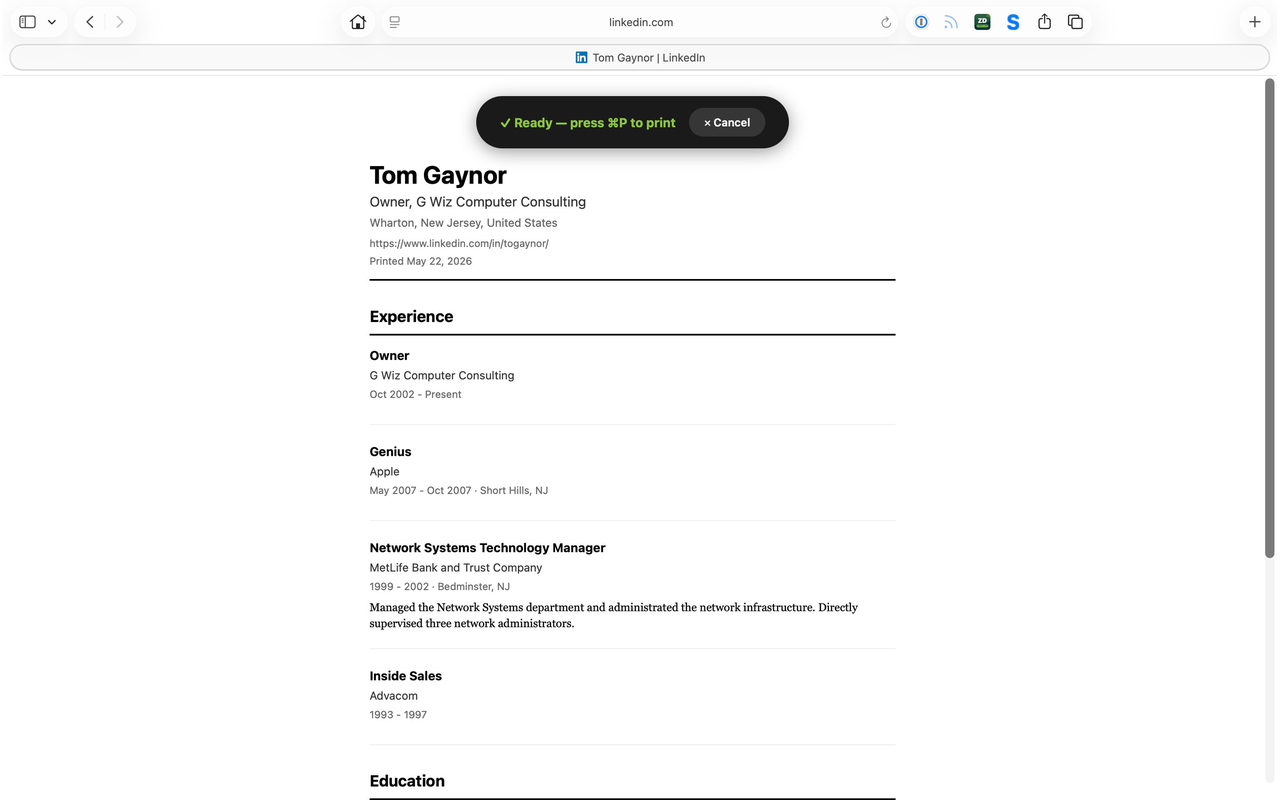
Profiles get parsed into a clean, résumé-style document — experience, education, skills.
News, blogs, recipes
Built for the way you actually read — articles, posts, recipes, Substack, Medium.
Your data stays yours
Page cleanup happens on your device. We don’t track you or sell your habits.
Made for Apple
Built for Safari, by an Apple consultant supporting Apple users since 2002.
Three steps. That’s it.
Install from the App Store
Free download. Takes ten seconds.
Open any page in Safari
News article, blog post, LinkedIn profile, recipe, receipt.
Click the green Strip It button
The clutter disappears. What’s left is the content.
Questions
How much does it cost?
Strip It is free at launch. Sign up to be notified when it’s on the App Store.
What devices does it work on?
Strip It launches first for Mac (Safari). iPad is next on the roadmap, with iPhone after that.
Will it work on every website?
It works on almost every article-style page — news, blogs, magazines, recipes, profiles. Interactive web apps, dashboards, and online stores aren’t the right fit. LinkedIn profiles get special AI-powered handling.
Does it send my browsing data anywhere?
For LinkedIn profiles, the visible page text briefly goes to our server so AI can structure it cleanly — we don’t store, log, or share it. For everything else, all the work happens on your device. Nothing leaves Safari.
How is this different from Safari’s Reader Mode?
Reader Mode hides clutter; Strip It rebuilds the page. It prints beautifully, works where Reader Mode silently fails, and handles things Reader can’t — like LinkedIn profiles.
Who made this?
G Wiz Computer Consulting in Wharton, NJ. Apple-focused IT support since 2002.